CS2 Crosshair Guide: How to Make a Crosshair That Fits Your Aim
How to build a Counter-Strike 2 crosshair from scratch: style, size, gap, color and outline, plus how to share and import crosshair codes.
- By Vasanthan
- Published
- Read 2 min
- Level beginner
On this page
Short answer: pick a static style, keep the lines short and the gap small, use a bright color with an outline, and test it in a few deathmatch games before ranked.
Pick a style
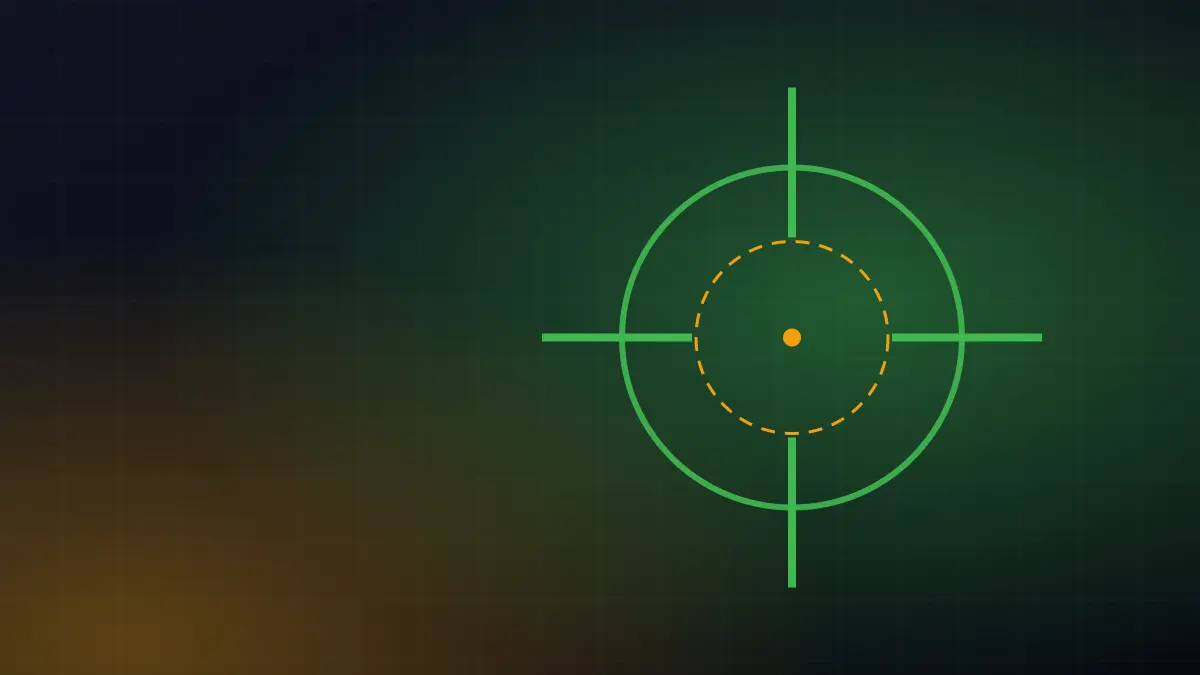
The classic static style stays the same size whether you move or shoot. That makes it predictable, which is what you want for consistent aim. Dynamic styles show spread, but they also cover your target exactly when spread is high.
Size, gap and thickness
- Length: short lines leave more of the target visible. Start around 2 to 3.
- Gap: a small negative or zero gap keeps the center tight.
- Thickness: 0.5 to 1 is enough on 1080p. Thicker lines hide heads at range.
Color and outline
Bright cyan, green or yellow stands out on most maps. Turn on a thin outline so the crosshair is visible against bright walls and skies.
Share and import codes
Every crosshair can be exported as a short code from the crosshair settings screen. Save your code somewhere safe so you can restore it after a reinstall, and import codes from friends to try their setups quickly.
How to test a new crosshair
- Play three deathmatch games.
- Watch whether you lose sight of enemies behind the lines.
- Adjust one value at a time.
Questions players ask
How do I import a crosshair code in CS2?
Open Settings, go to Game, then Crosshair, and use the Share or Import option. Paste the code and apply it. You can also export your own code from the same screen.
Should my crosshair have a dot?
It is personal. A center dot helps some players with precise taps, but it can hide small targets at long range. Try both for a few matches.
Keep reading
More Guides Keep reading-
 Hardware / Valorant
How to Reduce Input Lag on PC: 9 Fixes That Actually Work
Nine tested ways to cut input lag in PC games, from refresh rate and FPS caps to Reflex, mouse polling and Windows settings. Ordered by impact.
3 min read -
 Top Lists / Valorant
Best Free PC Games to Play Right Now
Our picks for the best free-to-play PC games across shooters, battle royales, strategy and RPGs, with who each one is for and what it costs to keep playing.
2 min read -
 Guides / Valorant
Best Valorant Settings for FPS and Visibility (2026 Guide)
The Valorant video, mouse and crosshair settings we use for high FPS and clear enemy visibility, with the reason behind each one. Tested on low and high-end PCs.
4 min read
New guide every week
Find practical guides, settings walkthroughs, reviews and gaming tips for PC, console and mobile.